
Sales and support
Callback
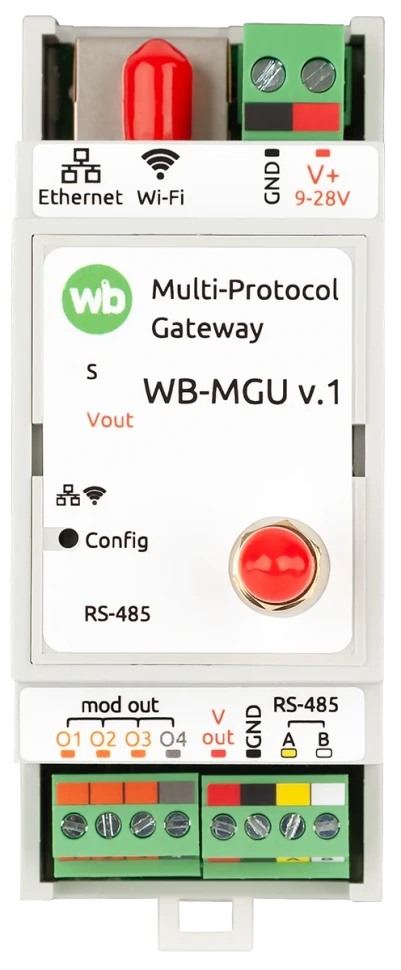
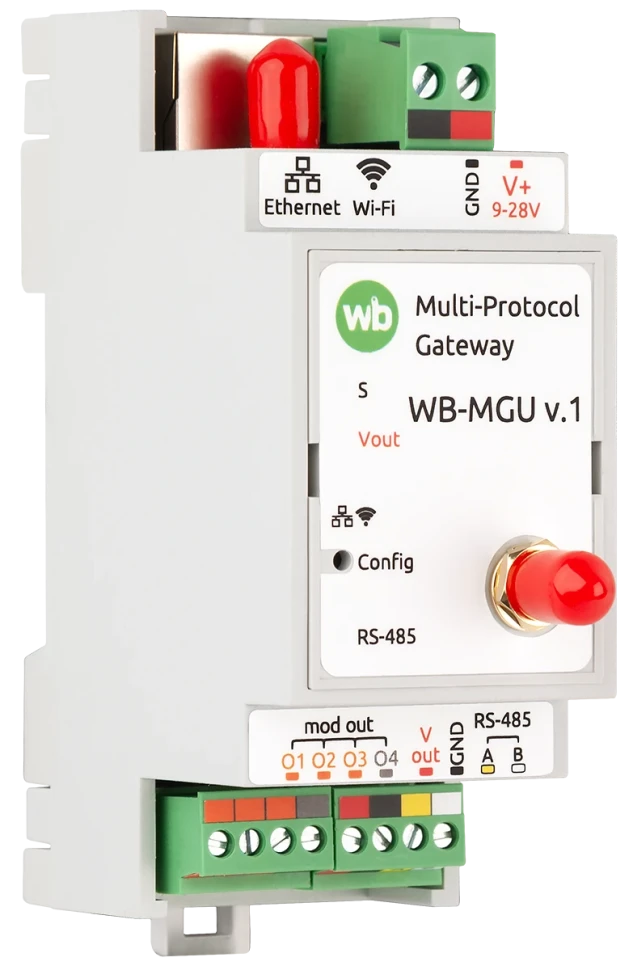


Attention! This is a "DIY device". It is primarily intended for prototyping, debugging, and developing devices based on it — not for use in projects "as is", unlike the rest of our catalog.
If you need an RS-485 ⇄ Ethernet/Wi-Fi gateway, that is WB-MGE v.3 — you can just buy it at any time.
The difference between MGE and MGU (devices on the same hardware base, differing in that MGU has a WBE2 module slot instead of the second port, no MIO converter, and added PSRAM memory):
If you want to order — write to us with a few words about how you plan to use the device. Even "just curious" is enough. We just want to make sure you are consciously ordering a DIY kit, so there is no "I thought all modules already work" situation.
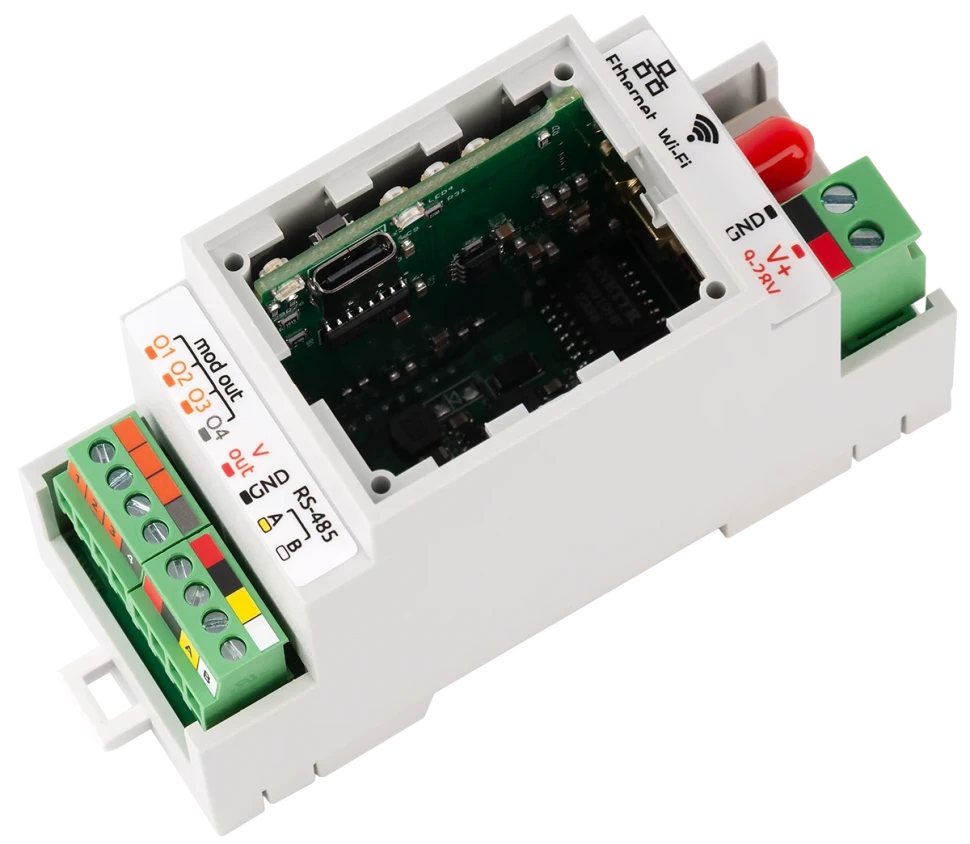
The device has one RS-485 (Modbus RTU) port and one slot for WBE2 extension modules. Examples of those modules include wired interfaces like isolated RS-485, CAN, KNX, OpenTherm and so on, or wireless interfaces like Z-Wave LR, Zigbee or Matter. Extension modules are communicating with the main ESP32 MCU via UART.
Two modes are available for the RS-485 port:
The device is flashed and ready to use as a gateway, but you can write your own firmware for it and use it for other tasks.
In the basic configuration of the gateway:
Additionally, using extension modules:

On the RS-485 port, there are software-software‑switchable:
This simplifies wiring and adds flexibility during design and commissioning.

By default, the module is powered from 9…28 VDC.
Optionally, a PoE module can be installed with support for:
The module can power connected devices, controlled via software. When powered from a power supply, the maximum current is 2.5 A and the voltage equals the supply voltage. When powered via PoE, the output provides 24 VDC with a maximum current of 500 mA on Vout.
All this enables compact installations without extra terminal blocks — and, when using PoE, without a separate power supply.

Front‑panel indicators:
They let you assess the module state without opening the web interface.

The modern web UI adapts to any screen size and lets you configure network interfaces, port settings, modes, etc. Access is protected with login and password.
If WB‑MGU v.1 is connected to one of the network interfaces of a Wiren Board controller that is linked to Wiren Board Cloud, you can proxy the module’s web UI through the cloud and access it remotely. See the documentation for details.

All Wiren Board devices, in addition to standard Modbus RTU, can operate with the extended Fast Modbus ⚡protocol, which adds:
WB-MGU v.1 supports Fast Modbus in all modes: transparent gateway and Modbus TCP.

If you forget the module settings, you can always reset them to factory defaults using the Config button. The same can be done from the web interface.
For edge cases when the firmware cannot boot, Factory mode is available to reliably flash the latest stable firmware.

We occasionally release new firmware to fix issues or add features.
Users can upload a new version directly through the web interface — no programmer required.

WB-MGU v.1 is based on an ESP32 microcontroller and ships with our stock firmware that implements gateway functionality.
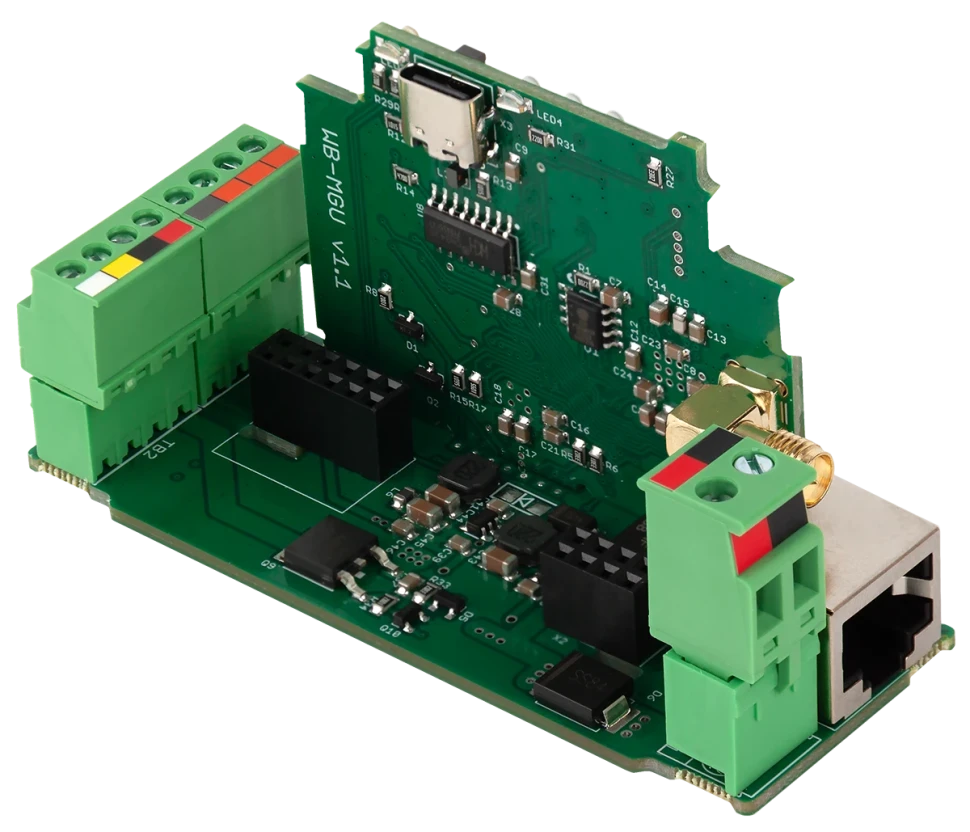
This firmware is published as open source, and you can use it as a base and add any functionality you need. We've added a USB‑C connector and a USB-UART bridge inside, so you only need a computer and a USB‑C cable to flash your software.
The documentation provides full GPIO descriptions, as well as examples for the ESPHome platform.
Whatever you try, you can always restore our stock gateway firmware and use the device as intended. The warranty remains valid.

We develop and manufacture all Wiren Board devices ourselves. Also everyone devices undergo multi-stage quality control:
Thanks to this approach, the failure rate is no more than 0.5% of all released devices.
If the device fails within two years from the date of purchase, we will replace it for free without need to be sent to a service center.

| Brand | Wiren Board |
